Results and Statistics
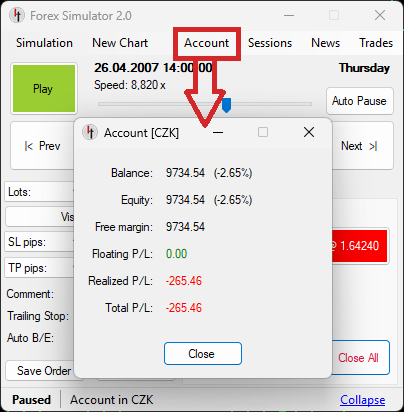
Account Window
You can watch your trading results in Account Window. It shows the most important numbers such as profit/loss, balance or equity.
- Balance - amount of money in your account including only realized trades (closed trades)
- Equity - amount of money in your account including all realized and all unrealized trades (what is Equity)
- Free Margin - the difference between Equity and Used Margin (what is Free Margin)
- Floating P/L - amount of money in your account including only realized trades (what is Floating P/L)
- Realized P/L - profit/loss of all closed trades
- Total P/L - Realized P/L plus Floating P/L
History and Statistics
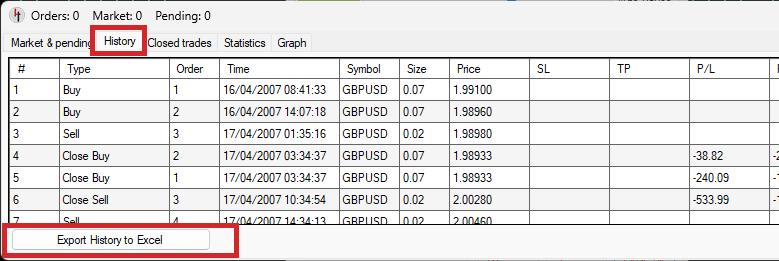
History tab
Shows a list of all trading operations done so far such as opening/closing trades or placing/deleting pending orders. You can export this list to Excel file using Export History to Excel button.
Closed Trades tab
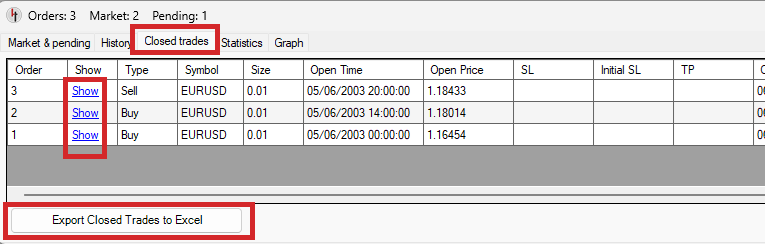
Shows a list of trades which were closed so far (realized trades). You can export this list to Excel file using Export Closed Trades to Excel button.
Each order on the list is equipped with Show function which automatically scrolls the charts to show you the place of closing this particular order. And it works in the opposite way, too. If you click on closed order on the chart, it will automatically highlight this order on the list in Trades window.
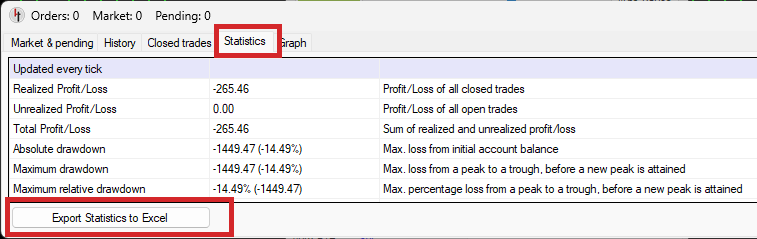
Statistics tab
Shows a list of numbers and ratios which may be important to evaluate trading results. You can export this list to Excel file using Export Statistics to Excel button.
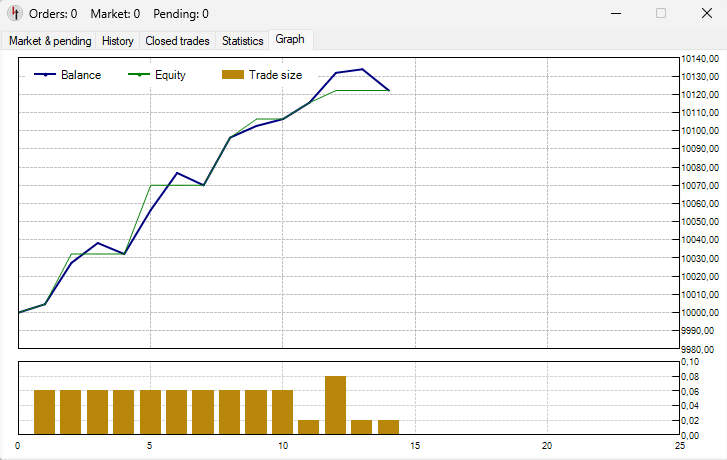
Graph tab
Shows a chart of balance and equity during the simulation. It also shows the size of each trade in the bottom part.
Exporting to MT4/MT5 reports (HTML)
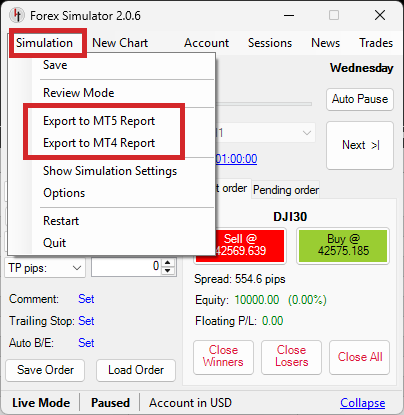
You can export your simulation either to MT4-style HTML report or to MT5-style HTML report by choosing Simulation -> Export to MT4 Report or Simulation -> Export to MT5 Report from main menu.
Our reports are formatted in exactly the same way as MT4/MT5 reports so they are compatible with third-party tools used to analyse such statemets.
Sample MT4 statement:
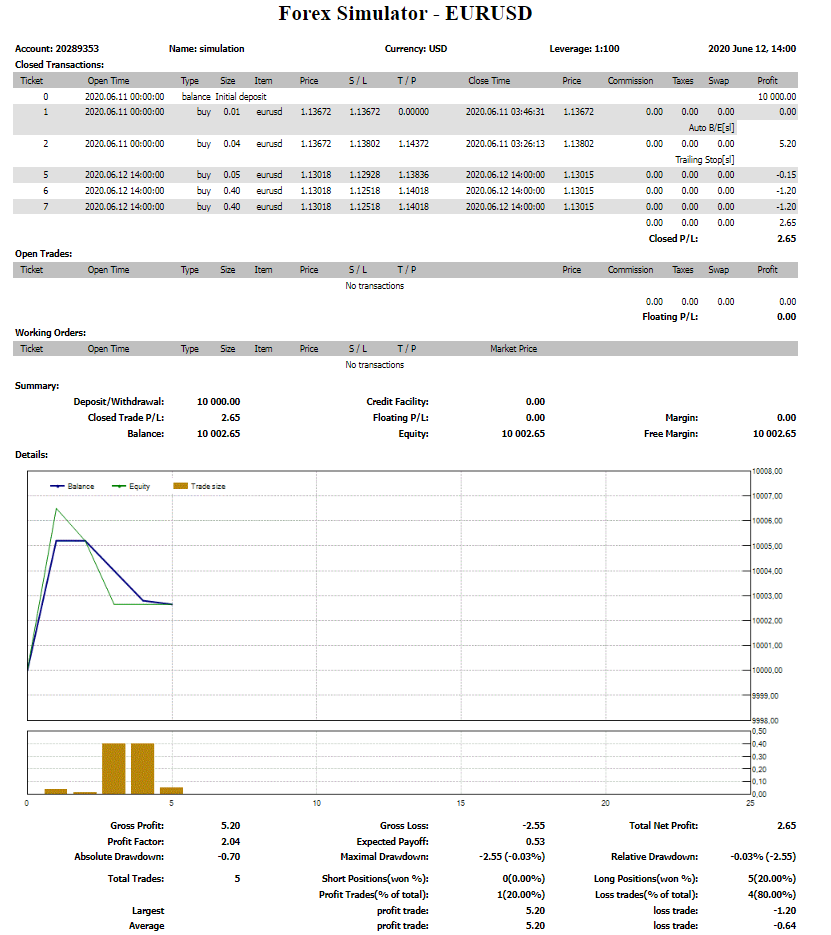
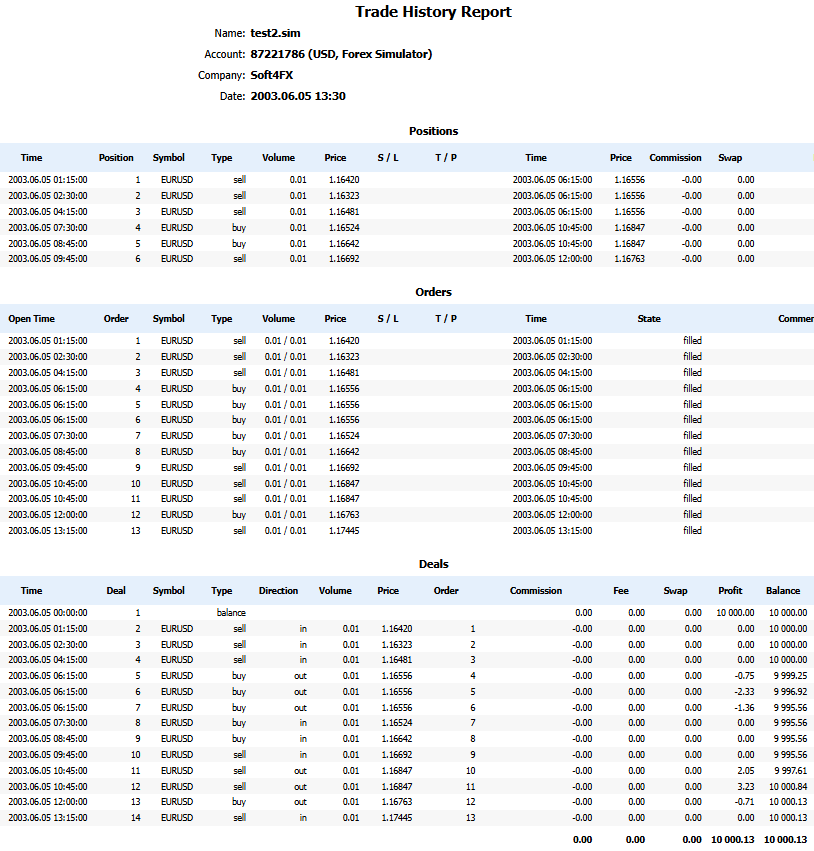
Sample MT5 statement: